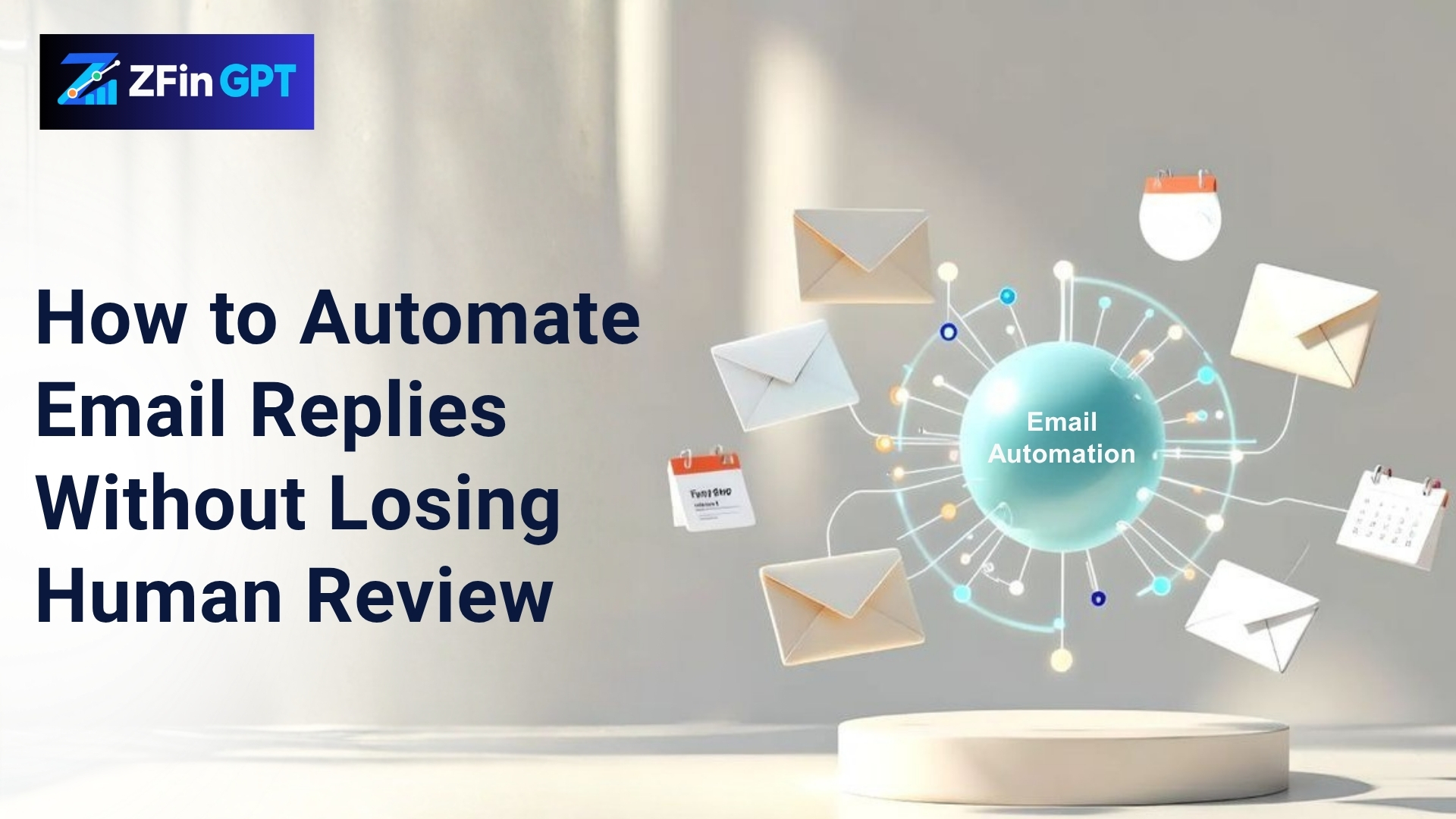
How to Automate Email Replies Without Losing Human Review
Email automation can save your team hours every week.
But many businesses hesitate to automate replies because they do not want an AI system sending incorrect, incomplete, or overly confident messages to customers.
That concern is valid.
The goal should not be to let AI send every email without supervision. The goal should be to let AI prepare useful drafts, organize incoming messages, identify priority requests, and recommend the next step, while a human remains responsible for the final response.
Why manual email handling becomes a problem
Finance, operations, and customer-facing teams often spend large parts of the day handling repetitive emails.
Examples include:
- Customer status requests
- Invoice and payment questions
- Onboarding messages
- Appointment confirmations
- Follow-up requests
- Vendor communications
- Internal approval emails
- Account or order updates
These messages may be simple, but they still require someone to read, understand, search for information, write a response, and send it.
As email volume increases, several problems can appear:
- Important messages are delayed
- Similar questions receive inconsistent answers
- Employees copy and paste outdated information
- Urgent requests are mixed with routine messages
- Follow-ups are forgotten
- Managers have little visibility into response times
This is where Zoho email automation with AI can help.
What does AI email automation actually do?
A well-designed AI email workflow does not need to send messages automatically.
It can first:
- Read and classify an incoming email
- Identify the customer, vendor, or account
- Detect the purpose of the message
- Retrieve approved information from connected systems
- Draft a response
- Recommend urgency or routing
- Place the draft in a review queue
- Wait for a human to approve, edit, or reject it
The employee remains in control, but does not have to start every reply from a blank screen.
The review-first model
The safest approach is a review-first workflow.
Here is a simple example:
New email → AI classification → Information retrieval → Draft response → Human review → Send
For a customer asking about an invoice, the AI may review the approved accounting data, draft a response, and place it in the Zoho mailbox as a draft.
A team member can then:
- Approve the message
- Edit the wording
- Add missing context
- Request more information
- Reject the draft
- Escalate the message to another department
Nothing is sent until the responsible person approves it.
This model provides efficiency without removing judgment.
How Claude can support email workflows
Claude can help with tasks such as:
- Summarizing long email threads
- Identifying the customer’s main question
- Drafting a professional response
- Highlighting missing information
- Detecting urgent or sensitive requests
- Suggesting the correct department
- Preparing follow-up reminders
- Organizing email categories
When connected through a secure MCP infrastructure, Claude may be able to access approved information from Zoho Books, CRM records, internal systems, or other business tools.
Learn more about how MCP connects AI applications with approved tools and data in the official Model Context Protocol overview.
For example, an email about an unpaid invoice could be matched with the relevant customer record and invoice status. The AI can prepare a draft based on the available information, while a finance employee confirms that the response is accurate before sending it.
What should never be fully automated?
Some email categories require additional review or should remain completely manual.
These may include:
- Payment approvals
- Refunds
- Contract changes
- Legal complaints
- Security incidents
- Employee disputes
- Sensitive financial information
- Medical or regulated data
- Messages involving confidential negotiations
AI can help summarize or route these messages, but final decisions should remain with authorized personnel.
Automation should follow the company’s approval rules, access permissions, and data protection requirements.
How to prevent incorrect AI replies
AI email automation works best when the system has clear boundaries.
Important controls include:
Approved information sources
The AI should only use connected systems and documents that the business has approved.
Clear permissions
Different employees should have different access levels. An AI agent should not retrieve information that the employee is not authorized to view.
Draft-only defaults
New workflows should begin with draft creation instead of automatic sending.
Response templates
Templates help keep tone, formatting, disclaimers, and company information consistent.
Escalation rules
The system should recognize when a message requires a manager, finance specialist, legal team, or security professional.
Audit trails
Keep records of the original email, AI-generated draft, human edits, approval, and final response.
Is AI email automation worth it?
It can be valuable when your team receives a high volume of repetitive messages and spends too much time searching for information before replying.
The greatest benefit may not be sending more emails. It may be:
- Faster response preparation
- Better consistency
- Fewer missed follow-ups
- Improved routing
- Lower administrative workload
- More visibility into team performance
- More time for complex customer conversations
ZFin GPT helps businesses design AI automation for Zoho CRM, Zoho Books, email systems, finance platforms, and legacy software while keeping human approval in the workflow.
The best email automation does not remove people from the process. It gives them better drafts, better context, and more time to make the final decision.